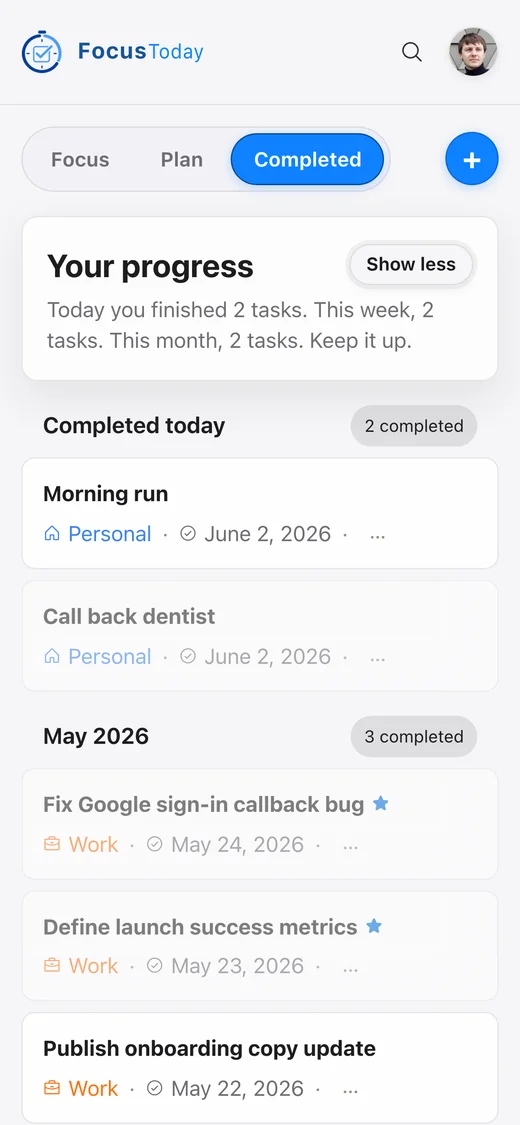
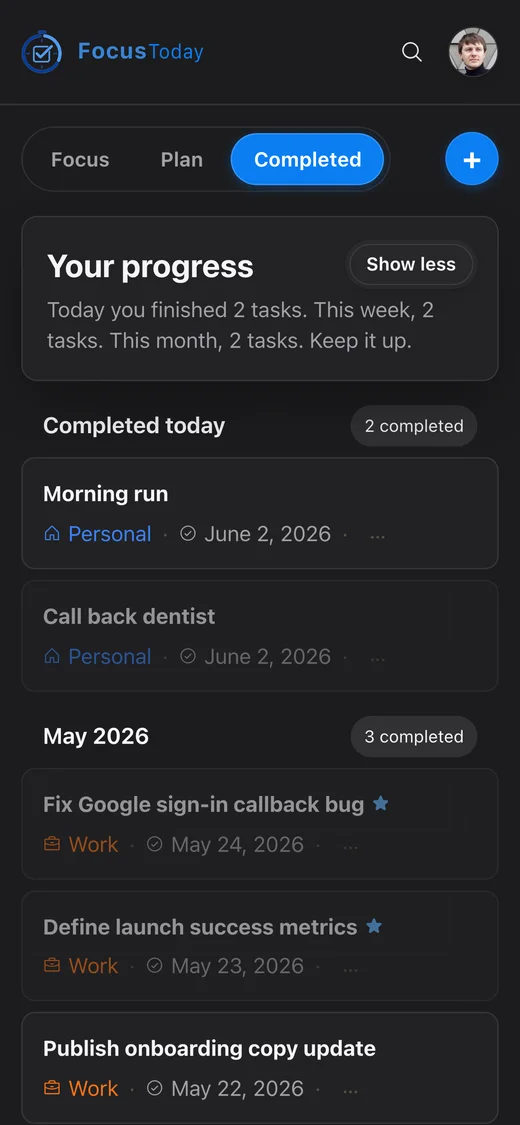
The daily planner built for focus.

Plan your day in minutes. Work on one task at a time. Finish each day knowing exactly what you accomplished — and why it mattered.

Sound familiar?

Most productivity tools make things worse.

They ask you to manage projects, not get things done. FocusToday is built around a simpler idea: one day at a time, one task at a time.

47 tasks, zero clarity

You open your to-do app and feel overwhelmed before the day even starts. Everything looks equally urgent.

Constant context-switching

Jumping between tools, tabs, and notifications means you finish the day having started a dozen things and finished none.

The day just disappears

Evening arrives and you can't quite say what you accomplished. The list looks just as long as this morning.

How it works

Three steps. Every day.

  1. 01Plan

    Spend five minutes every morning.

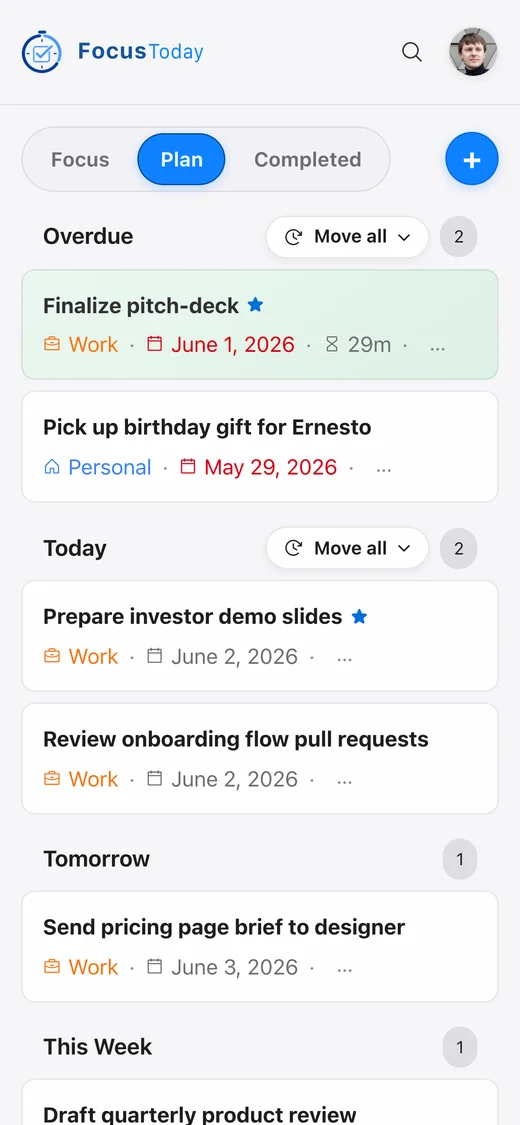
    Open the Plan tab and drag your most important tasks into today. Star what must get done. Push everything else to later. Five minutes of intention prevents eight hours of drift.

    Plan tab showing tasks organized from overdue through upcomingPlan tab showing tasks organized from overdue through upcoming
  2. 02Focus

    Start one task and only one.

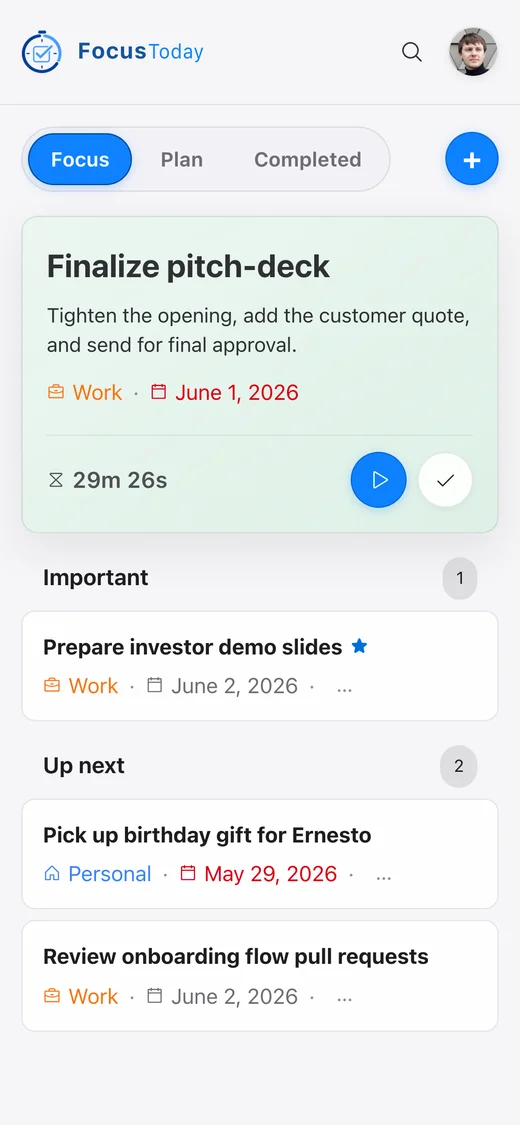
    Tap any task to make it active. The timer starts. The rest of the list fades into the background. When you're done, stop the timer and pick the next one. No multitasking, no guilt.

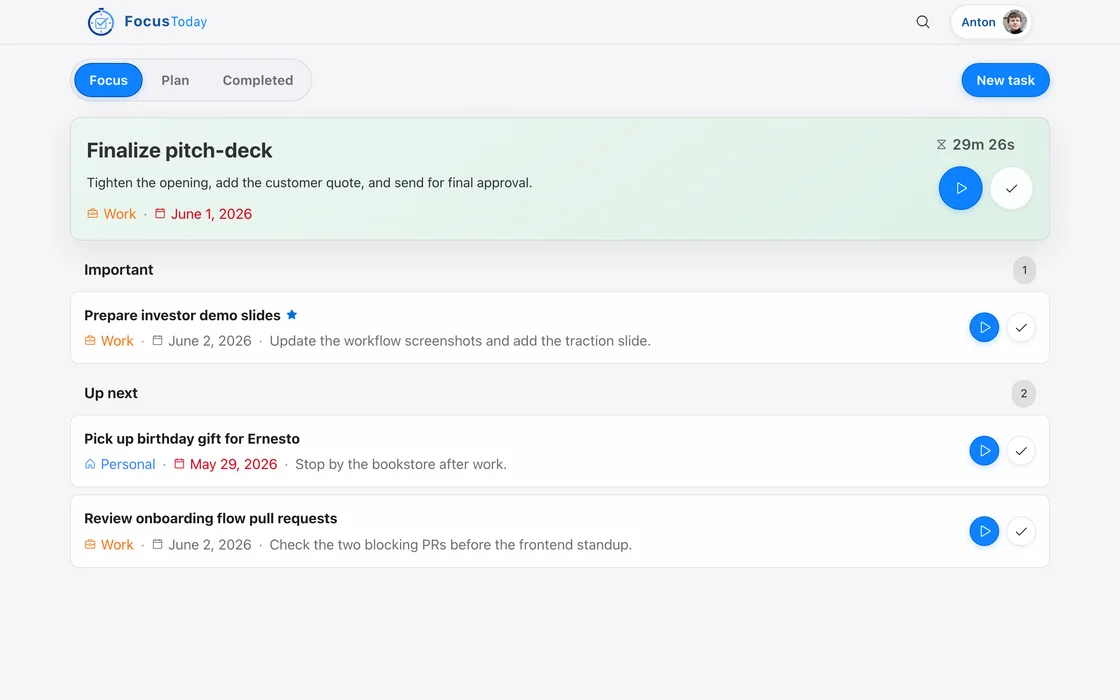
    Today tab with an active task and a running timerToday tab with an active task and a running timer
  3. 03Reflect

    Close the day with a clear record.

    Check the Completed tab before you shut down. See the tasks you finished, the time you spent, and the work that mattered most. Tomorrow starts with momentum instead of anxiety.

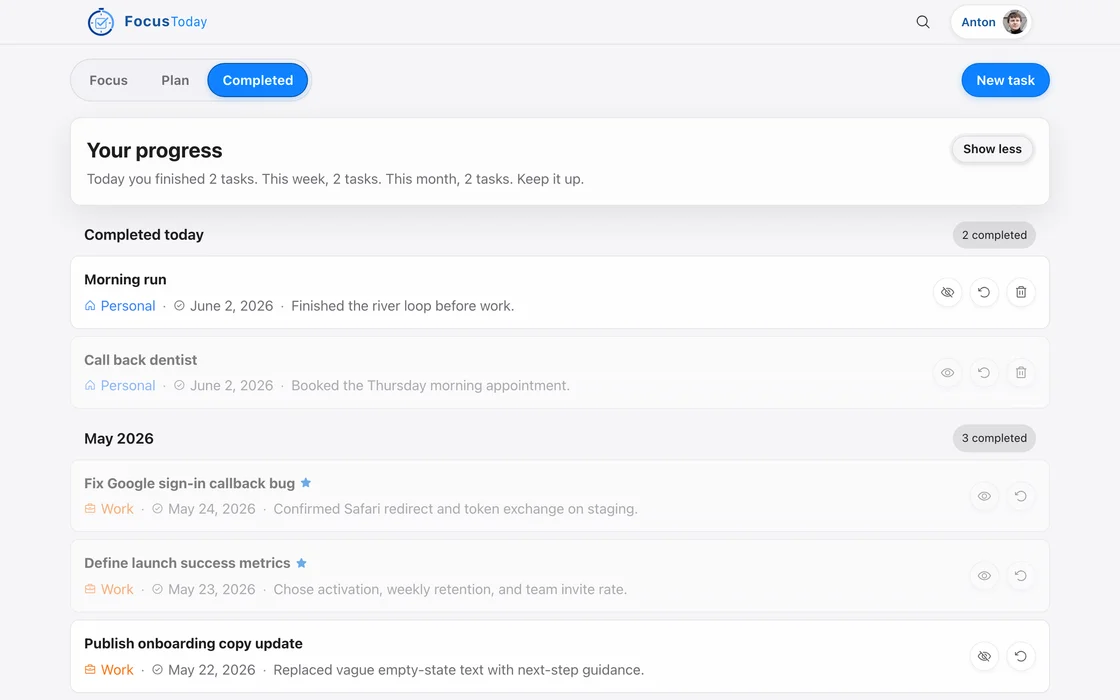
    Completed tab showing finished tasks grouped by monthCompleted tab showing finished tasks grouped by month

Features

Everything you need. Nothing you don't.

Plan

See your whole week — and decide what actually matters today.

Every task lives in a time bucket: Overdue, Today, Tomorrow, This Week, Next Week, or Not Planned. Drag anything into today and everything else stays organised without any effort. Overdue tasks are impossible to ignore, so nothing silently slips through.
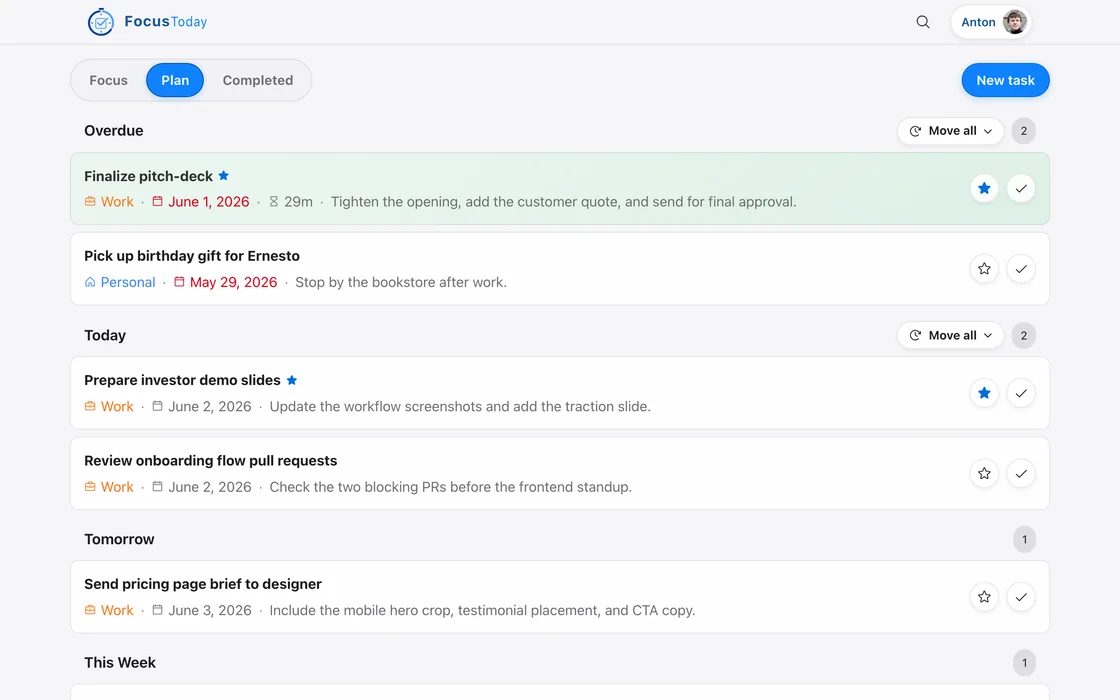
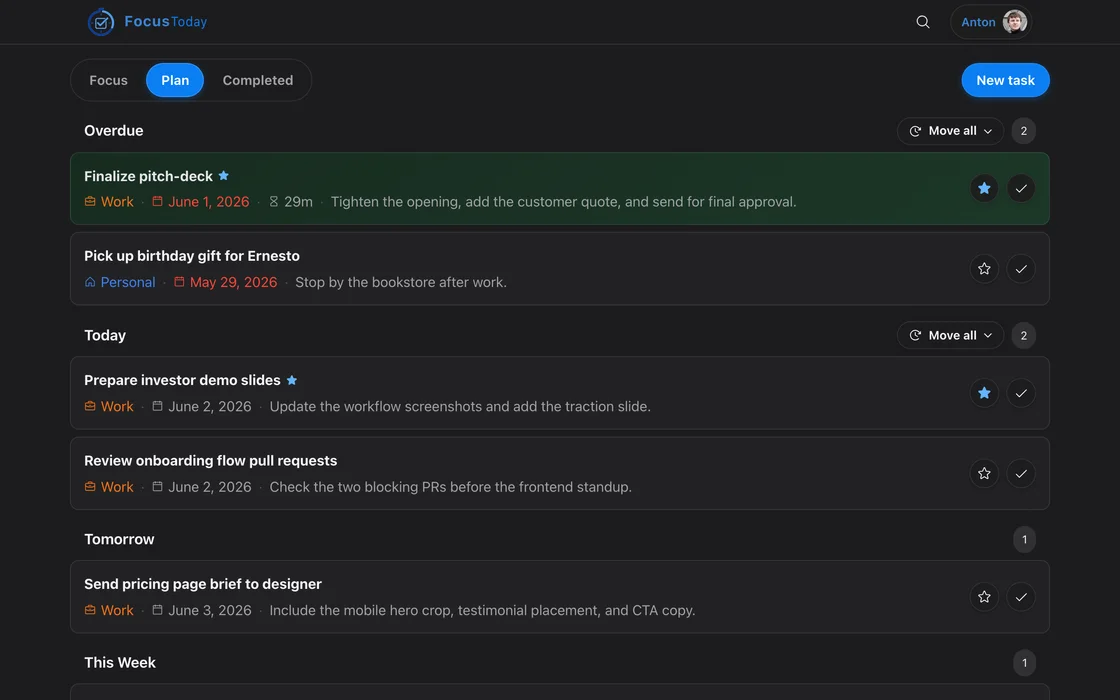
Plan tab on desktop showing tasks organised across time bucketsPlan tab on desktop showing tasks organised across time buckets

Focus

Start a task. The timer runs. Everything else can wait.

Activate any task from Today and a built-in timer starts counting your real focus time. Only one task can be active at once — no splitting attention across priorities. When you finish, the time is saved to that task, so at the end of the week you can see exactly where your hours went.

Today tab on desktop with an active task and a running timerToday tab on desktop with an active task and a running timer

Reflect

End every day knowing what you built.

The Completed tab groups finished tasks by month and lets you star the ones that mattered most. Over time it becomes a quiet log of real output — not a graveyard of todos, but a record you can feel good about. It only takes thirty seconds to review and it completely changes how the next day starts.

Completed tab on desktop showing tasks finished this month with important ones markedCompleted tab on desktop showing tasks finished this month with important ones marked

Appearance

Easy on the eyes — day or night.

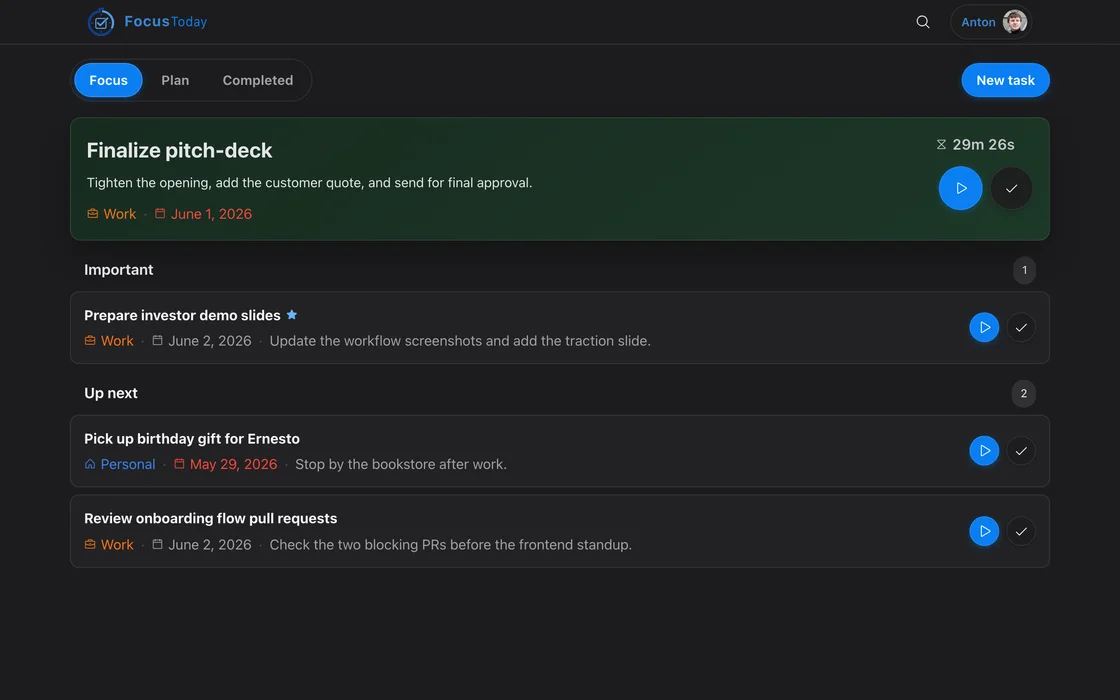
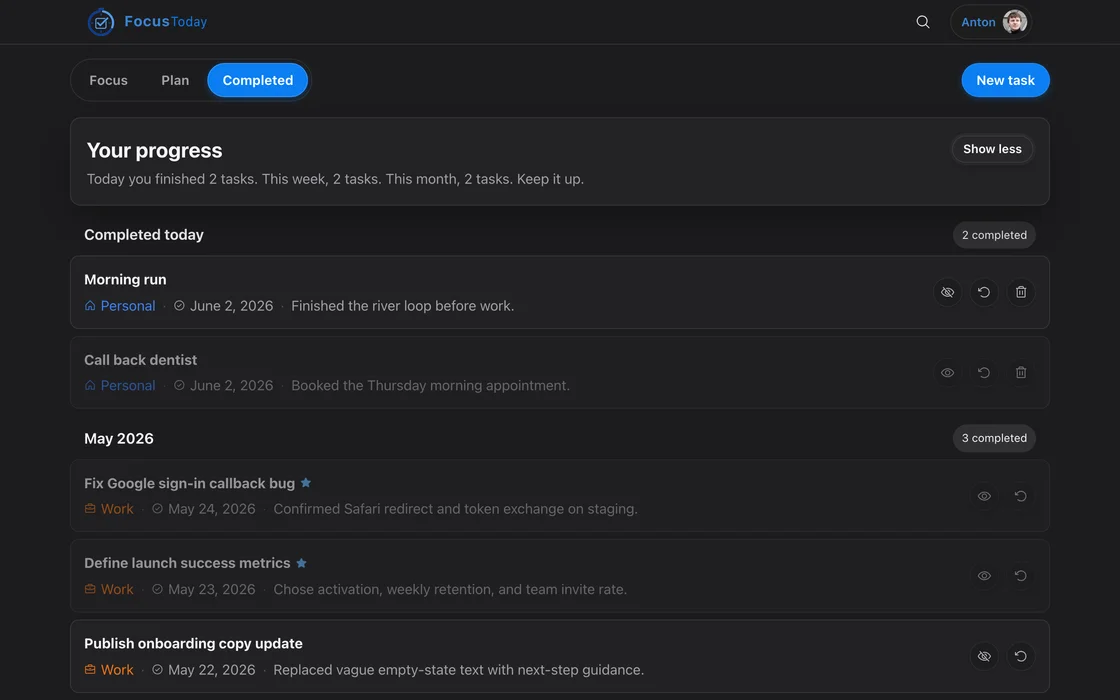
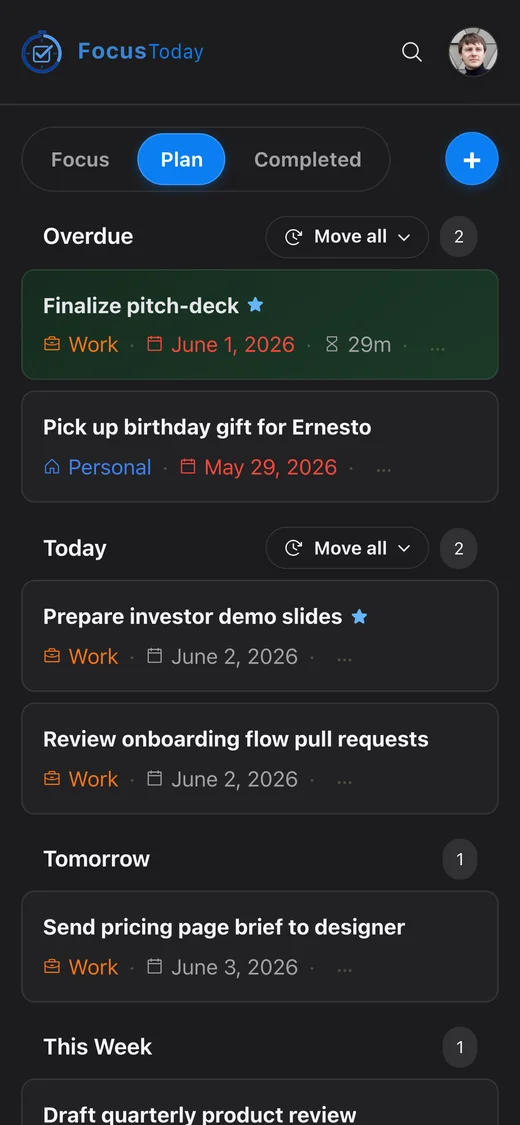
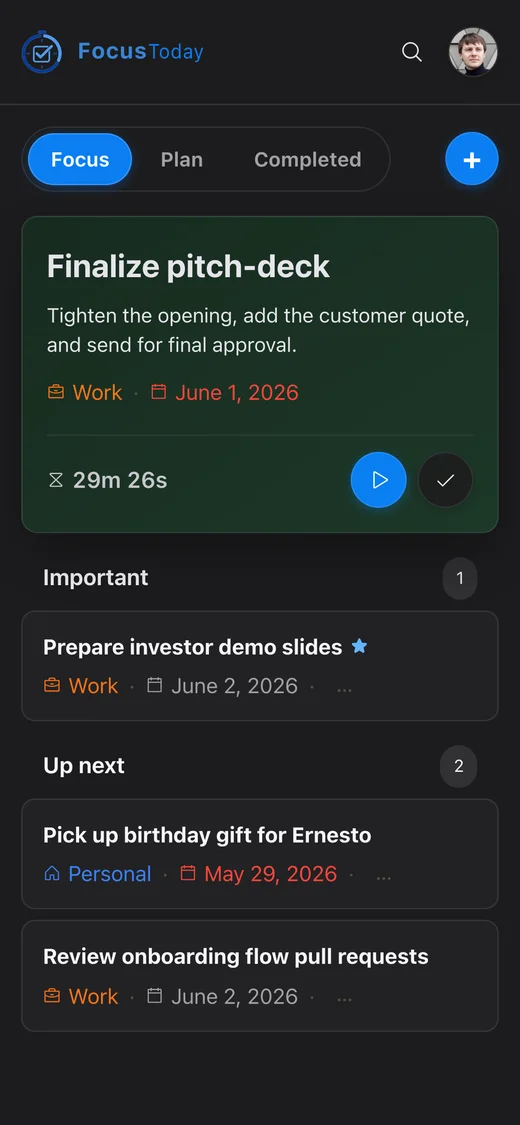
FocusToday follows your system theme automatically. Switch manually any time with the toggle in the navigation bar. The dark mode is crafted to feel calm, not just inverted.

Light

App in light mode showing an active task

Dark

App in dark mode showing the same active task

What people say

Built for people who actually want to get things done.

I used to end every day unsure what I actually accomplished. FocusToday changed that in the first week. Seeing completed tasks with tracked time made me realise how much I was actually getting done.

Alex M.Product designer

The timer is the key thing for me. When I activate a task and the clock starts, I stop checking Slack every five minutes. It's like it gives my brain permission to just focus.

Jordan R.Software engineer

I tried every to-do app out there. They're all great for capturing tasks but terrible for actually doing them. FocusToday is the first one built around execution, not just lists.

Sam K.Freelance consultant

Ready to take back your day?

Start planning in under a minute. Your tasks, your timer, your focus — all in one place.

Open the app